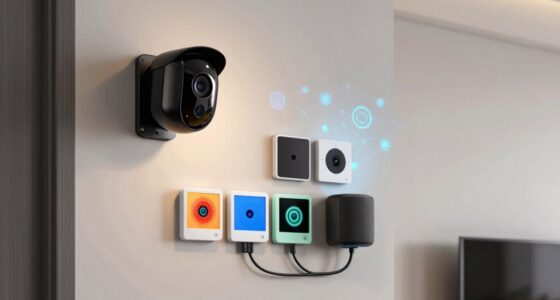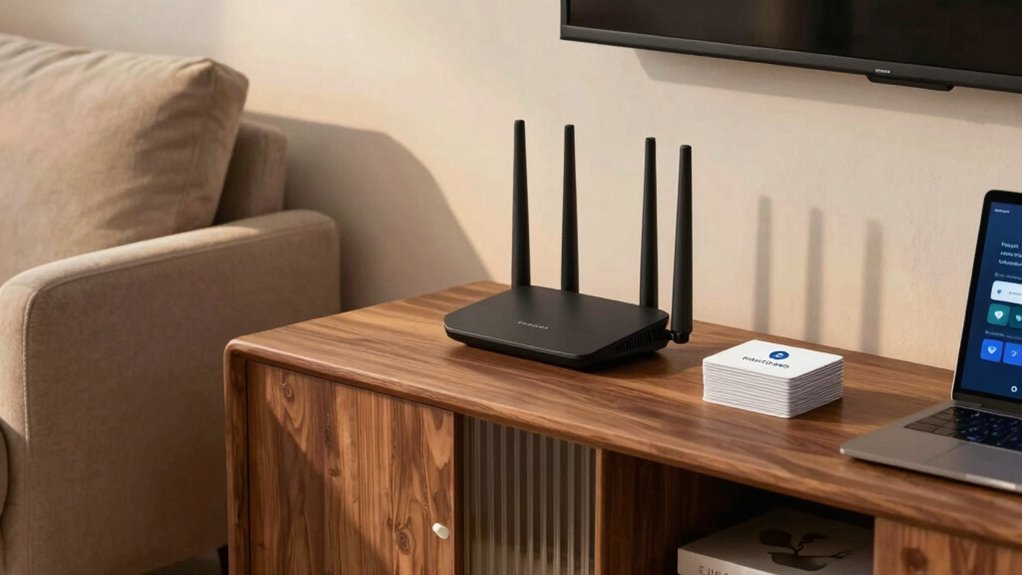

Your smart home needs a secure guest network that is isolated from your main devices. Set up a separate Wi-Fi network with a different SSID and password to protect your personal data and smart devices. Enable device isolation to prevent guests from accessing your home systems directly. Regularly update your router firmware and review security settings to stay protected from evolving threats. Keep these practices in mind, and you’ll strengthen your home’s security even further—more tips await you.
Key Takeaways
- Always enable network segmentation to isolate guest devices from your main smart home network.
- Use a strong, unique password for the guest Wi-Fi to prevent unauthorized access.
- Enable device isolation features to prevent guests from communicating with your smart devices.
- Regularly update router firmware to patch vulnerabilities and enhance security.
- Restrict guest network access to only internet browsing, blocking access to internal devices and data.
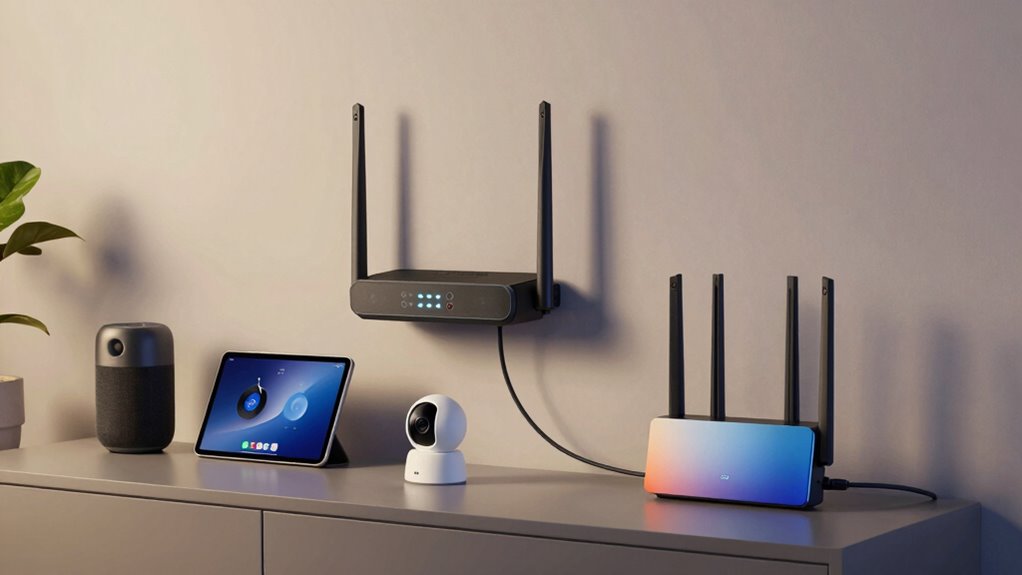
Implementing a guest network rule for your smart home is essential to protect your devices and personal data. When friends or visitors connect to your Wi-Fi, they often seek quick access without you having to share your main network password. But without proper precautions, this convenience can become a security risk. One of the most effective strategies is to set up a dedicated guest network. This approach uses network segmentation, which isolates guest traffic from your primary devices. By doing so, you prevent potential security breaches and keep your main network safe from malicious attacks or accidental misconfigurations.
Device isolation plays a key role in this setup. When you enable device isolation on your guest network, it prevents guests from communicating directly with your smart home devices, such as smart lights, thermostats, or security cameras. This means that even if a guest’s device becomes compromised, they can’t access or control your critical smart home systems. It’s a simple but powerful way to add an extra layer of security. Network segmentation ensures that your main network remains separate from the guest network, reducing the risk of malware spreading or sensitive data being exposed. This separation also makes troubleshooting easier, as network issues on the guest side won’t affect your primary devices. Additionally, understanding the importance of network security can help you make informed decisions when configuring your smart home setup. Regularly reviewing your security settings can further enhance your network’s defenses against emerging threats.
To implement this, you should access your router’s settings and create a new Wi-Fi network specifically for guests. Make sure to enable network segmentation and device isolation options, which are usually found under advanced Wi-Fi settings. Assign a different SSID (network name) and password for this guest network, and restrict access to your primary network. This way, guests can browse the internet freely without gaining access to your private data or internal devices. It’s also important to regularly update your router’s firmware to patch security vulnerabilities and maintain the integrity of your network segmentation. Regular maintenance and awareness of security best practices will further safeguard your smart home environment. Additionally, understanding how network segmentation works can significantly improve your overall network security posture.
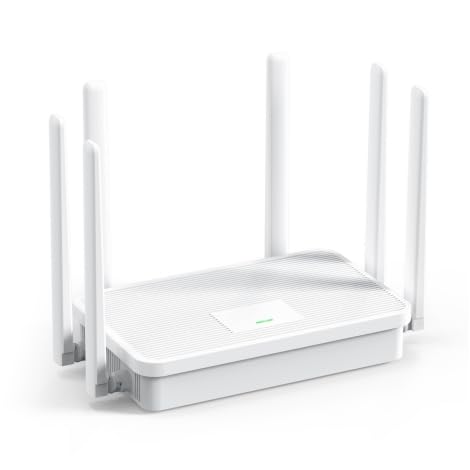
UeeVii WR3000K WiFi6 AX3000 WiFi Router
- WiFi 6 with 6 antennas: Enhanced signal coverage and data efficiency
- Dual-band 2.4G/5.8G: Stable, smooth connections throughout your home
- Four-sided heat dissipation: Keeps router cool and extends lifespan
As an affiliate, we earn on qualifying purchases.
As an affiliate, we earn on qualifying purchases.
Frequently Asked Questions
How Often Should I Change My Guest Network Password?
You should change your guest network password every few months to maintain security. Regular updates help prevent unauthorized access, especially if encryption protocols or network segmentation are compromised. When you update passwords, make sure they’re strong and unique. This practice keeps your smart home devices safe and reduces vulnerability. Regularly changing passwords also prompts you to review your network’s security settings, ensuring your guest network remains a secure and isolated environment for visitors.
Can I Limit Bandwidth for Guest Users?
Yes, you can limit bandwidth for guest users by adjusting your router settings. Make certain your network encryption is strong to protect your main network, and keep your router firmware updated for security and performance. Many routers offer Quality of Service (QoS) features, allowing you to set bandwidth limits for guest networks. This helps prevent guests from hogging your bandwidth while maintaining security and performance for your primary devices.
What Devices Should Be Restricted on the Guest Network?
Think of your network as a castle, with a secure moat separating valuables from intruders. You should restrict devices like IoT gadgets, security cameras, and smart appliances on the guest network, as they often lack strong device encryption. This practice maintains network segmentation, preventing potential breaches. By doing so, you protect your main network’s integrity while allowing guests access, ensuring your digital kingdom stays safe and sound.
How Do I Monitor Guest Network Activity?
You can monitor your guest network activity by accessing your router’s admin panel, where you’ll find options to view connected devices and their data usage. Enable network encryption and guest authentication to secure the network, making it easier to track activity. Regularly check device logs and use network monitoring tools to identify unusual behavior, ensuring your guest network remains secure and only authorized devices access your smart home.
Is It Necessary to Set up a Separate Wi-Fi for Guests?
Yes, setting up a separate Wi-Fi for guests is necessary for better guest network security. It helps protect your main network from potential threats and keeps your devices safe. Using network segmentation strategies, you can isolate guest traffic from your private devices. This way, you minimize risks, prevent unauthorized access, and guarantee your smart home remains secure while still offering internet access to visitors.

ASUS RT-AX1800S Dual Band WiFi 6 Extendable Router, Subscription-Free Network Security, Parental Control, Built-in VPN, AiMesh Compatible, Gaming & Streaming, Smart Home
- WiFi Standard: WiFi 6 (802.11ax) with MU-MIMO & OFDMA
- Antenna Type: External 4 antennas for better coverage
- Processor: Dual-core processor for efficient performance
As an affiliate, we earn on qualifying purchases.
As an affiliate, we earn on qualifying purchases.
Conclusion
Just like the secret passageways in a grand mansion, your guest network keeps your smart home’s treasures safe from uninvited intruders. By following this simple rule, you’re safeguarding your digital kingdom while still welcoming friends and family. Remember, even Sherlock wouldn’t leave his clues lying around—so don’t leave your network vulnerable. With this in mind, you’ll enjoy peace of mind, knowing your smart home remains both welcoming and secure, just like a true fortress.

WiFi Router Routers for Wireless Internet – AX3000 WiFi 6 Router with 6 Wi-Fi Antenna Covers up to 3500 sq.ft, Connect 105 Devices,Gigabit Routers for Home Wi-Fi IPV6 Wireless
- Fast WiFi 6 Speeds: Up to 2402Mbps on 5.8GHz, 574Mbps on 2.4GHz
- Enhanced Coverage with 6 Antennas: Covers up to 6000 sq.ft with beamforming
- Connects 100+ Devices: Supports multiple devices simultaneously with OFDMA and MU-MIMO
As an affiliate, we earn on qualifying purchases.
As an affiliate, we earn on qualifying purchases.
Build a Secure Home Network From Scratch: A Practical Blueprint for Designing a Fast, Reliable, and Safe Connected Home (The Secure Home Network Blueprint Book 1)
As an affiliate, we earn on qualifying purchases.
As an affiliate, we earn on qualifying purchases.