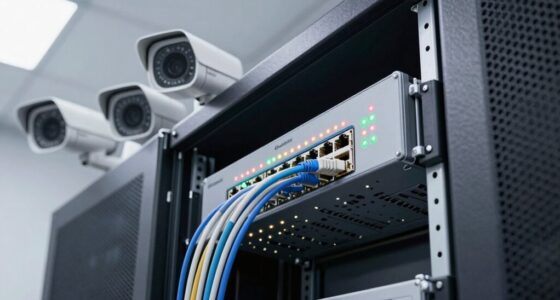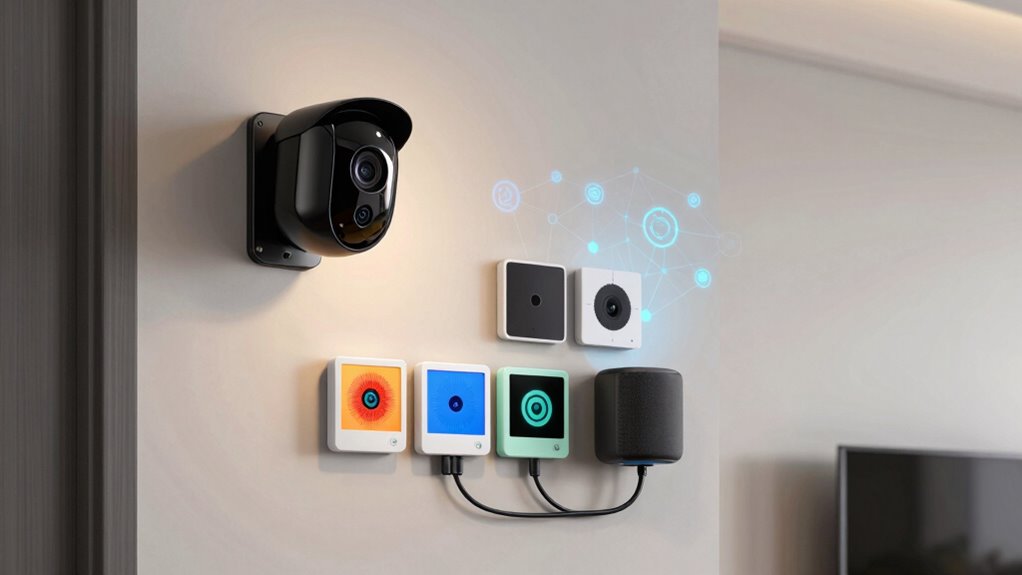

Keeping your security cameras and smart devices on the same network increases your risk of cyberattacks. If a hacker finds a weakness in one device, they could access your entire system, including cameras and personal data. Separating these devices with network segmentation creates a barrier, limiting damage if one gets compromised. Using strong encryption and updating devices regularly further boosts security. To protect your home effectively, it’s best to keep these devices on separate networks—get the full details to learn more.

Turn your wind-down time into listening time
- Thousands of audiobooks, podcasts and originals
- Listen on your phone, tablet or Echo — also offline
- Cancel anytime
Key Takeaways
- Sharing a network increases the risk that a vulnerability in one device could compromise the entire system.
- Security cameras often handle sensitive footage, which can be exposed if connected to a less secure device network.
- Devices lacking strong encryption can be intercepted, risking data theft across the same network.
- Network segmentation limits hacker movement if one device or segment is compromised.
- Keeping cameras on a separate network enhances overall security and protects sensitive information.
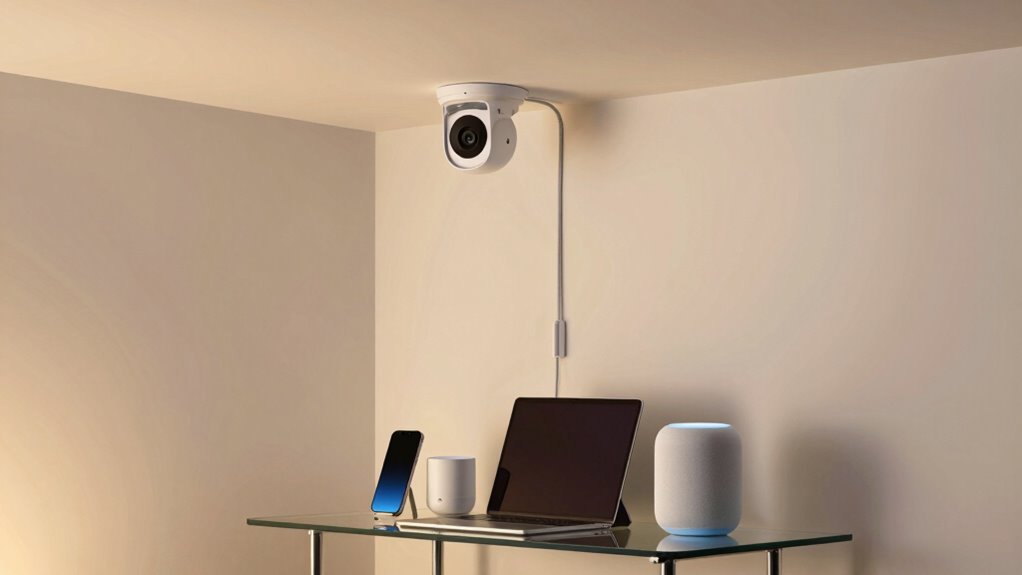
While smart devices and security cameras enhance your home’s convenience and safety, they can also pose notable security risks if connected to the same network. When everything shares one network, a vulnerability in one device can open the door for cybercriminals to access your entire system. This is especially true if your security cameras and smart devices don’t employ strong encryption protocols. Encryption acts as a barrier, encoding data so that even if someone intercepts it, they can’t decipher its contents. Without reliable encryption, sensitive information—like your security footage or personal data—becomes vulnerable to hacking.
Smart devices without strong encryption can expose your entire home network to hacking risks.
To mitigate these risks, network segmentation becomes essential. By creating separate networks for your security cameras and smart devices, you add an extra layer of protection. Think of it as building a security wall around your most valuable devices. If a hacker manages to infiltrate your smart device network, they won’t automatically gain access to your security cameras or other sensitive information stored on a different segment. This separation limits the potential damage and makes it harder for cybercriminals to move laterally within your home network. Implementing network segmentation is straightforward, especially with many routers supporting multiple Wi-Fi networks—often labeled as guest networks or separate SSIDs—that can be assigned to different devices. Additionally, understanding network vulnerabilities can help you identify weak points before they are exploited. Recognizing common exploitation techniques can further strengthen your security approach. Moreover, selecting devices that support strong encryption protocols ensures that your data remains secure during transmission. Being aware of cybersecurity best practices can also help you develop a comprehensive defense strategy.
Additionally, by choosing devices that support strong encryption protocols, you verify that data transmitted between your devices and your network remains secure. Beyond encryption and segmentation, staying vigilant about firmware updates and default passwords helps reinforce your network’s defenses. Regular updates patch known vulnerabilities, while strong, unique passwords prevent unauthorized access. Remember, security isn’t a one-time setup; it’s an ongoing process that requires attention. When you keep your devices updated and segment your networks, you’re making it markedly more difficult for intruders to breach your home’s digital perimeter.
security camera network splitter
As an affiliate, we earn on qualifying purchases.
As an affiliate, we earn on qualifying purchases.
Frequently Asked Questions
Can I Still Access Smart Devices Remotely if on a Separate Network?
Yes, you can still access your smart devices remotely if they’re on a separate network. Using network segmentation helps keep your devices organized and secure while allowing remote access through secure methods like VPNs or cloud-based apps. Just make certain your remote access setup is properly configured, with strong passwords and encryption, to maintain security and easily control your smart devices from anywhere.
What Are the Costs Associated With Creating Multiple Networks?
Think of creating multiple networks like building separate fences around your property—initial costs are higher, but you gain security and peace of mind. Network segmentation involves costs for additional hardware, such as routers and switches, and ongoing maintenance. A thorough cost analysis shows that while setup costs increase, the enhanced security reduces potential risks and expenses from breaches, making it a smart investment for protecting your smart devices and security cameras.
How Do I Set up a Secondary Network for Smart Devices?
To set up a secondary network for your smart devices, start by enabling network segmentation on your router. Create a separate Wi-Fi network or VLAN for these devices, ensuring device isolation from your main network. This way, your smart devices stay protected, reducing security risks. Follow your router’s instructions to configure the new network, assign your smart devices to it, and regularly update your network’s security settings for maximum protection.
Are There Any Compatibility Issues With Separating Networks?
You won’t face many compatibility issues with separating networks if you plan carefully. Network segmentation helps keep your security cameras and smart devices safe without losing device compatibility. Just make sure your router supports multiple networks, and check the device specifications beforehand. Although some smart devices might need specific settings, overall, separating networks improves security without sacrificing compatibility. Think of it as hitting two birds with one stone.
Will Separating Networks Improve Overall Wi-Fi Speed?
Yes, separating networks can improve your Wi-Fi speed through better bandwidth management. Network segmentation guarantees that your security cameras and smart devices don’t compete for the same bandwidth, reducing congestion. This setup prevents slowdowns caused by high data usage on one device affecting others. By dedicating bandwidth to specific devices, you get a more stable, faster Wi-Fi experience, especially when multiple smart devices or cameras are streaming data simultaneously.
Wi-Fi router with multiple SSID support
As an affiliate, we earn on qualifying purchases.
As an affiliate, we earn on qualifying purchases.
Conclusion
Just like keeping your valuables in a separate safe from your everyday belongings, isolating security cameras and smart devices on different networks keeps your home safer. If one device gets hacked, the breach doesn’t spread like wildfire to your entire system. By creating these digital boundaries, you’re building a fortress that’s harder for hackers to breach—keeping your privacy protected and your smart home secure. Think of it as fencing off your most precious treasures.
home network segmentation devices
As an affiliate, we earn on qualifying purchases.
As an affiliate, we earn on qualifying purchases.
smart home security camera encryption
As an affiliate, we earn on qualifying purchases.
As an affiliate, we earn on qualifying purchases.
Fall Picks
fall essentials
As an affiliate, we earn on qualifying purchases.