

As a frequent traveler, having a repeatable privacy checklist is essential to protect your personal information from cyber threats on the go. It helps you consistently encrypt sensitive data, secure Wi-Fi connections, and update your devices to patch vulnerabilities. Using such a routine reduces human error and guarantees you’re prepared for unexpected events like theft or device loss. Keep these steps in mind, and you’ll be better equipped to stay safe and private wherever you travel.

Turn your wind-down time into listening time
- Thousands of audiobooks, podcasts and originals
- Listen on your phone, tablet or Echo — also offline
- Cancel anytime
Key Takeaways
- Ensures consistent protection of sensitive data across multiple devices and locations.
- Reduces human error by standardizing security practices during travel.
- Keeps privacy measures up-to-date against evolving cyber threats.
- Facilitates quick response to security incidents with predefined protocols.
- Helps maintain compliance with data protection regulations regardless of travel frequency.
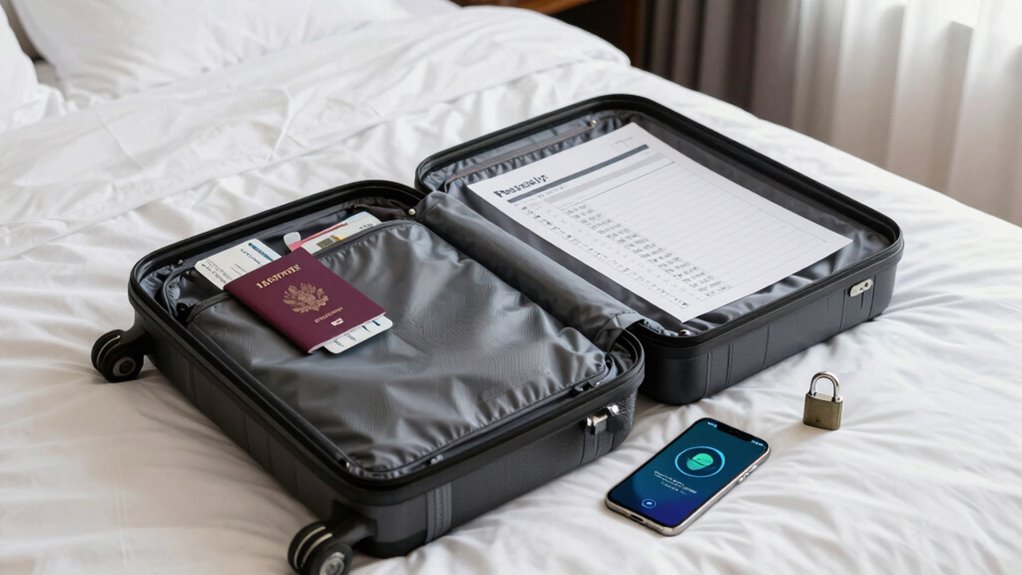
Traveling can be exciting, but it also exposes your personal information to potential risks. When you’re on the move, your devices and data are more vulnerable than ever. That’s why having a repeatable privacy checklist is essential. It guarantees you don’t forget to take necessary steps to protect your information each time you travel. One of the most critical parts of your checklist should be enabling data encryption. Encryption transforms your sensitive data into an unreadable format, so even if someone intercepts it, they can’t access your information. Before you hit the road, make sure all your devices are set to encrypt your files and communications. This simple step adds a significant layer of security, especially when using public or unfamiliar networks.
Prioritize data encryption to safeguard your sensitive information on the go.
Another key element is securing your Wi-Fi connections. Public Wi-Fi hotspots are convenient but often fall short in security. When connecting to Wi-Fi networks in hotels, airports, or cafes, you should always verify the network’s legitimacy. Avoid accessing sensitive accounts or conducting financial transactions over unsecured networks. Instead, rely on a virtual private network (VPN) to create a secure, encrypted tunnel for your internet traffic. This way, your data remains private, even on less secure networks. Incorporating a step for establishing a secure Wi-Fi connection into your routine guarantees that your online activities stay protected from eavesdroppers and potential hackers. Maintaining awareness of cybersecurity best practices can further bolster your privacy protections while traveling. Additionally, using automated security tools can help streamline these protective measures and reduce the risk of human error. Being aware of the latest cyber threats can help you adapt your routine to evolving risks.
Creating a repeatable privacy routine also involves updating your software and security settings regularly. Cybercriminals often exploit outdated systems, so keeping your devices current is essential. Use strong, unique passwords for each account, and consider employing password managers to keep track of them. Enable two-factor authentication whenever possible to add an extra layer of protection. These practices should become part of your travel checklist, so you don’t forget them amid the hustle and bustle of packing or navigating new places. Additionally, understanding the importance of device security can help you better safeguard your gadgets from theft or tampering while on the go.
Finally, always back up your important data before traveling. Cloud storage or external drives ensure you have copies if your device gets lost, stolen, or compromised. This way, you won’t lose critical information and can restore your data quickly.
As an affiliate, we earn on qualifying purchases.
Frequently Asked Questions
How Often Should I Update My Privacy Checklist?
You should update your privacy checklist every three to six months to stay ahead of evolving threats. Regular updates guarantee your data encryption practices remain strong and your social media privacy settings are current. Traveling frequently exposes you to new risks, so staying proactive helps protect your personal information. Making these updates consistently keeps your privacy measures effective, giving you peace of mind while on the move.
What Specific Apps Help Maintain Privacy While Traveling?
You should use apps like Signal or ProtonMail for secure communication, ensuring your messages stay private. For data encryption, consider using NordVPN or ExpressVPN to protect your internet traffic on public Wi-Fi. These apps help maintain your privacy by encrypting your data and enabling secure communication channels. Always keep them updated, and activate their security features to stay protected while traveling.
How Can I Protect My Personal Data on Public Wi-Fi?
To protect your personal data on public Wi-Fi, use data encryption tools like VPNs to secure your connection. Avoid accessing sensitive information, such as banking or personal accounts, until you’re on a trusted network. Always enable two-factor authentication and monitor your accounts for suspicious activity. These steps help prevent identity theft and keep your data safe while traveling, ensuring you maintain privacy on unpredictable networks.
Should I Use a VPN Every Time I Connect to the Internet Abroad?
Yes, you should use a VPN every time you connect to the internet abroad. VPN security and data encryption protect your personal information from cyber threats and hackers on unfamiliar networks. By activating a VPN, you create a secure tunnel that shields your online activity, ensuring your data remains private. This simple step helps you maintain your privacy and security, no matter where you travel.
What Are Common Privacy Mistakes Travelers Make?
You often make privacy mistakes like sharing too much personal info, which risks your travel identity being compromised. You might also overlook your digital footprint by neglecting to clear cookies or use secure connections. These habits leave traces that hackers or malicious actors can exploit. To stay protected, always review your privacy settings, use a VPN, and be cautious about what you share online—keeping your digital footprint and travel identity secure.
As an affiliate, we earn on qualifying purchases.
Conclusion
By following this repeatable privacy checklist, you’re planting a sturdy shield around your digital life, no matter where your travels take you. Think of it as your travel-sized armor, ready to ward off lurking threats and keep your secrets safe. With each step, you’re weaving a safety net that’s as reliable as your favorite travel companion. Stay vigilant, stay protected—your privacy is the map that guides your journey, and this checklist is your trusted compass.
As an affiliate, we earn on qualifying purchases.
As an affiliate, we earn on qualifying purchases.
Fall Picks
fall essentials
As an affiliate, we earn on qualifying purchases.