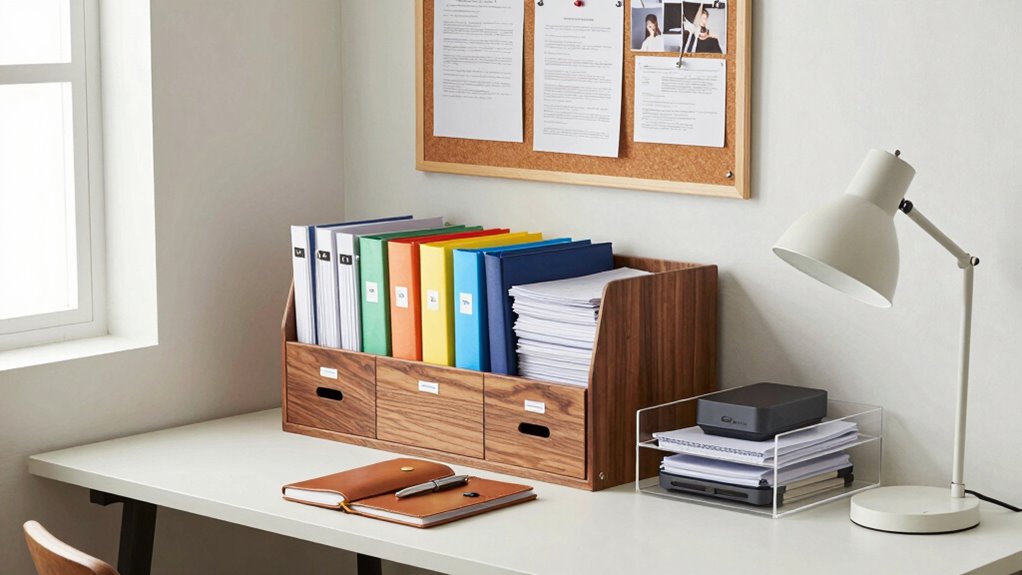

To build a personal file archive that stays organized, start by creating a clear folder structure based on categories like work, personal, and photos. Use consistent naming conventions with dates and descriptions for easy searching. Regularly review and delete duplicates or outdated files, and automate backups for safety. Maintain good habits by updating folders weekly and securing sensitive information with encryption. Keep your system practical and sustainable, and you’ll easily avoid chaos—more tips ahead can help you perfect your setup.
Key Takeaways
- Establish a clear and consistent folder structure with descriptive naming conventions for easy navigation.
- Regularly review and delete outdated or duplicate files to prevent clutter buildup.
- Use cloud storage with synchronized folders and version control for secure, accessible backups.
- Automate routine maintenance tasks like backups, archiving, and renaming to ensure consistency.
- Develop disciplined habits for daily or weekly file organization to maintain long-term order.
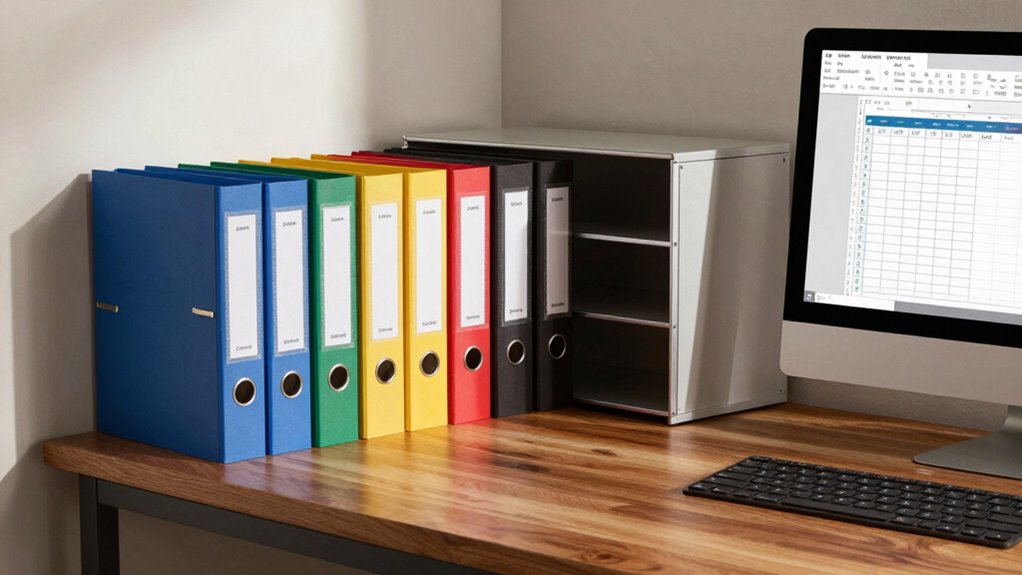
Creating a personal file archive might seem overwhelming at first, but breaking it down into manageable steps makes it straightforward. The key is to start with digital organization. Instead of letting files pile up randomly, dedicate a specific folder structure on your computer or cloud storage service. Think about categories that make sense for your needs—personal documents, work files, receipts, photos, or projects. Use clear, consistent naming conventions so you can find what you need without digging through endless folders. For example, name files with dates or specific descriptions, like “2023_Tax_Return” or “Vacation_Photos_June.” This initial step sets a strong foundation for easy retrieval later.
Once your digital organization system is in place, you can focus on cloud storage. Cloud services like Google Drive, Dropbox, or OneDrive offer a secure way to back up your files and access them from any device. They also make it easy to keep your archive synchronized across multiple platforms. When uploading files, maintain your folder structure so everything stays organized. Regularly review and clean your cloud storage to delete outdated or duplicate files, preventing clutter from creeping back in. Cloud storage also provides version control, which means you can revert to earlier versions of a document if needed. This is especially helpful for ongoing projects or important documents that might change over time. Incorporating automation tools can further streamline this process and reduce manual effort. Additionally, understanding file security best practices ensures your sensitive information remains protected as your archive grows. To enhance your security, consider using encryption for sensitive files and enabling two-factor authentication on your cloud accounts.
Building a personal file archive isn’t just about storing files; it’s about creating a system that works for you. Set aside a specific time weekly or monthly to update and tidy your archive. During this routine, move new files into their designated folders, delete unnecessary ones, and rename files for clarity. Automate backups where possible—most cloud services do this seamlessly—so you don’t have to worry about losing critical data. If you have sensitive information, consider encrypting files or choosing a cloud service with strong security features. Consistency is your best friend here; sticking to your organizational system ensures your archive remains useful and chaos-free over time.
In the end, building a personal file archive that doesn’t become chaos is all about establishing good habits and leveraging technology. With a solid digital organization plan and reliable cloud storage, you’ll find it much easier to locate files quickly and keep everything tidy. Remember, the goal isn’t perfection but practicality—create a system you can maintain and trust. Over time, your archive will become a helpful resource rather than an overwhelming mess. The effort you put in now will save you stress and time in the future, making your digital life much more manageable.
As an affiliate, we earn on qualifying purchases.
Frequently Asked Questions
How Often Should I Review and Update My Archive?
You should review your archive every three to six months to keep it organized. During these reviews, focus on file retention, removing outdated documents, and updating archive categorization to reflect any changes. Regular check-ins prevent clutter and guarantee your archive remains useful. Staying consistent with these updates helps you quickly find what you need, maintains order, and keeps your personal file system efficient and manageable.
What Tools Are Best for Digital File Organization?
You should choose tools like cloud storage services—Google Drive, Dropbox, or OneDrive—that support a clear folder hierarchy. These tools make it easy to organize files systematically, ensuring quick access and easy updates. Use their features like tagging, color-coding, and search functions to keep your digital files tidy. Regularly review and refine your folder structure to prevent clutter and maintain an efficient, accessible archive.
How Do I Ensure Backup Security for My Archive?
Think of your archive as a treasure chest—secure and precious. To keep it safe, implement strong encryption protocols to lock your files tightly and limit access with strict control measures. Regularly update your security settings, use multi-factor authentication, and back up your files to trusted, encrypted locations. This way, your archive remains protected from threats, and your valuable information stays safe, just like a hidden treasure.
Can I Automate Part of My Filing Process?
Yes, you can automate part of your filing process by using automated tagging based on file content or metadata. Implement file naming conventions that are consistent and descriptive, making sorting easier. Use software tools that support auto-tagging and naming rules, which save time and reduce errors. This way, your archive stays organized without constant manual effort, keeping chaos at bay and making it simple to find what you need quickly.
How Should I Handle Outdated or Redundant Files?
Outdated or redundant files can turn your digital space into an unmanageable chaos monster! To tame it, prioritize file deletion regularly, ruthlessly removing unnecessary duplicates. Implement redundancy management by setting clear criteria for what’s worth keeping—delete anything that’s obsolete or replaced. Schedule periodic cleanups, and stick to them. This way, you keep your archive lean, efficient, and stress-free, preventing chaos from taking over your organized system!
As an affiliate, we earn on qualifying purchases.
Conclusion
Now that you’ve set up your organized system, imagine discovering that one essential document you thought was lost—hidden somewhere in your new archive. Keep your files current and regularly review your system; otherwise, chaos might sneak back in when you least expect it. The real test begins as your archive grows—will you maintain order or let disorder creep back in? Stay vigilant, because the key to lasting organization is just a decision away.
As an affiliate, we earn on qualifying purchases.
As an affiliate, we earn on qualifying purchases.