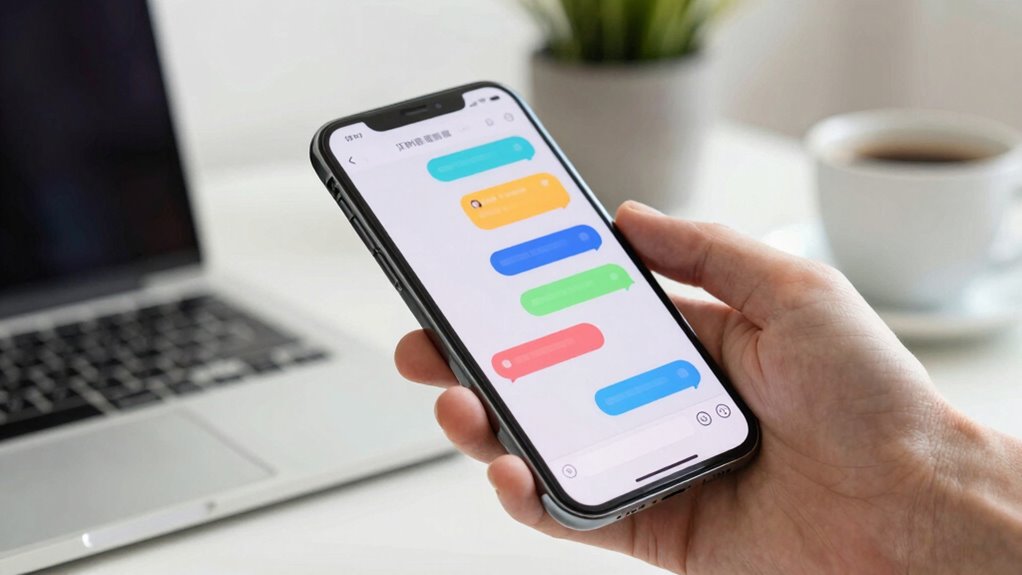

To protect your attention in group chats, start by customizing your notification settings—mute less urgent threads and turn off non-essential alerts. Set specific times to check messages and use “Do Not Disturb” modes to stay focused. Communicate your availability and establish boundaries to avoid constant interruptions. Practice digital mindfulness by pausing before responding and making intentional choices about engagement. If you want to learn how to create a balanced approach, keep exploring these effective strategies.
Key Takeaways
- Customize notification settings to prioritize important messages and mute less relevant group chats.
- Set designated times to check messages, avoiding constant interruptions and reducing mental fatigue.
- Use “Do Not Disturb” modes during focused work periods to limit digital distractions.
- Clearly communicate your availability to manage expectations and prevent unnecessary interruptions.
- Practice digital mindfulness by pausing before responding, ensuring your attention aligns with your priorities.
Have you ever felt overwhelmed by the constant stream of messages in group chats and message threads? It’s easy to get caught up in the never-ending flow of notifications, which can distract you from more important tasks or moments. To protect your attention, you need to practice digital mindfulness—being aware of how digital distractions impact your focus—and develop effective notification management strategies. This isn’t about completely disconnecting; it’s about creating boundaries that help you stay present and productive.
Start by evaluating which notifications truly matter. Not every message warrants immediate attention, so customize your alert settings to reduce unnecessary interruptions. For example, mute or turn off notifications for less urgent group chats or message threads. Focus on the conversations that require your immediate response or are most relevant to your goals. When you control what notifications you receive, you’re practicing digital mindfulness by intentionally choosing when and how to engage with digital clutter.
Implementing notification management isn’t just about silence; it’s about smart scheduling. Set specific times during the day to check messages instead of constantly reacting to every ping. This habit trains your brain to prioritize deep work and minimizes the mental fatigue that comes with constant switching between tasks. Use features like “Do Not Disturb” modes or app timers to block out periods when you need uninterrupted focus. These tools help you reclaim control over your attention rather than letting notifications dictate your mood and productivity. Additionally, understanding digital mindfulness as a concept from digital marketing can help reinforce your focus and awareness of digital habits.
Another key step is creating boundaries around your digital environment. Inform your contacts when you’re not available for immediate responses, especially during work blocks or personal downtime. This clarity reduces the pressure to reply instantly and helps you maintain focus. Remember, being digitally mindful involves knowing your limits and respecting your own need for space. It’s about choosing quality interactions over quantity and recognizing when digital noise is distracting you from your priorities.
Finally, cultivate a habit of intentional engagement. Before diving into a message thread, ask yourself if it’s necessary to respond right now or if it can wait. This simple pause reinforces your control over your attention. Over time, these small decisions add up, helping you develop a healthier relationship with digital communication. Practicing digital mindfulness and fine-tuning your notification management can significantly improve your focus and overall wellbeing. By doing so, you turn your devices into tools that serve your focus rather than undermine it. That way, you protect your attention and create more space for meaningful, undistracted moments.
smartphone notification mute button
As an affiliate, we earn on qualifying purchases.
As an affiliate, we earn on qualifying purchases.
Frequently Asked Questions
How Can I Discreetly Mute Specific Conversations?
You can discreetly mute specific conversations by activating silent mode for those chats. Most messaging apps let you mute chats without notifying others, so you won’t get alerts. Use chat prioritization features to bring important conversations to the top while silencing less urgent ones. This way, you stay focused on what matters most without constantly being distracted by notifications from less critical threads.
What Are the Best Notification Management Tips?
Imagine you’re juggling multiple conversations, and constant alerts distract you from work. To manage notifications effectively, prioritize important messages and mute less critical threads. Use notification settings to reduce distractions, like only allowing alerts from key contacts or turning off sound. You could also schedule specific times to check messages, which helps maintain focus. These strategies optimize notification prioritization, ensuring you stay productive without missing essential updates.
How Do I Prevent Myself From Checking Messages Constantly?
To stop checking messages constantly, start practicing mindfulness techniques like deep breathing or grounding exercises during urges. Set designated times for checking messages instead of reacting to every notification. Incorporate regular digital detoxes—unplug for a few hours daily—to reset your habits. These strategies help you regain control over your attention, reduce distractions, and foster a healthier balance between your digital and real-life interactions.
Can I Customize Notification Sounds for Important Chats?
Think of your notifications as a symphony—each chat a different instrument. You can customize notification sounds for important chats, turning the volume up or choosing a unique tone. With notification customization, you assign a custom sound to specific groups or contacts, making it easier to identify key messages instantly. This way, you stay tuned into what truly matters, filtering out the noise without missing essential updates.
How Do I Handle Disruptive or Toxic Group Members?
You handle disruptive or toxic group members by managing conflict directly and calmly. Set clear boundaries, letting them know what behavior isn’t acceptable. If they continue, don’t hesitate to mute or leave the chat to protect your mental space. Address issues privately if needed, and involve moderators or admins when necessary. Prioritize your well-being by creating a respectful environment and not tolerating harmful behavior.
As an affiliate, we earn on qualifying purchases.
Conclusion
Remember, your attention is like a delicate garden—tend it carefully. Each notification is a seed that can grow weeds of distraction if left unchecked. Protect your focus by weeding out unnecessary messages and nurturing those that truly matter. When you guard your time, you’re cultivating a space where your priorities can flourish. In the end, your attention is your most valuable harvest—cherish it, and it will reward you with clarity and peace amidst the chaos.
As an affiliate, we earn on qualifying purchases.
As an affiliate, we earn on qualifying purchases.