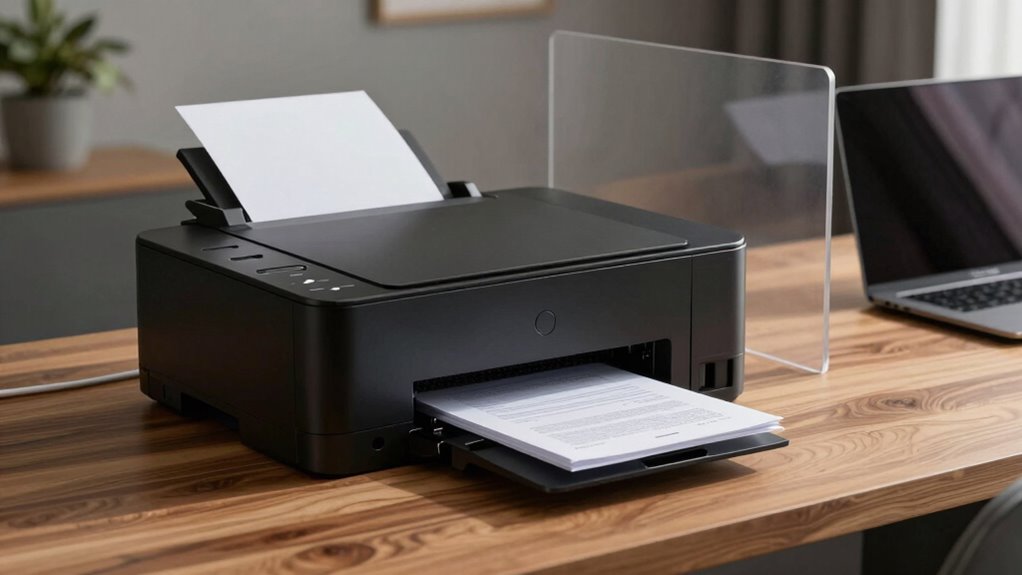

Your home printer isn’t just a device; it’s part of your digital ecosystem and can expose sensitive data if not secured properly. Data and documents are stored temporarily in the printer’s memory and travel through networks, making them vulnerable to breaches. Implementing encryption and strict access controls can protect your privacy. Staying aware of these hidden risks is essential, and there’s more to learn about safeguarding your printer’s role in your document workflow.

Turn your wind-down time into listening time
- Thousands of audiobooks, podcasts and originals
- Listen on your phone, tablet or Echo — also offline
- Cancel anytime
Key Takeaways
- Printers store and transmit sensitive data, making them potential targets for breaches in home workflows.
- Encryption of data during printing and transmission prevents unauthorized interception of confidential documents.
- Implementing user authentication and access controls ensures only authorized individuals can retrieve or modify print jobs.
- Regular firmware updates and security settings are essential to protect printers from vulnerabilities.
- Combining encryption and access controls effectively safeguards personal and professional information in home environments.
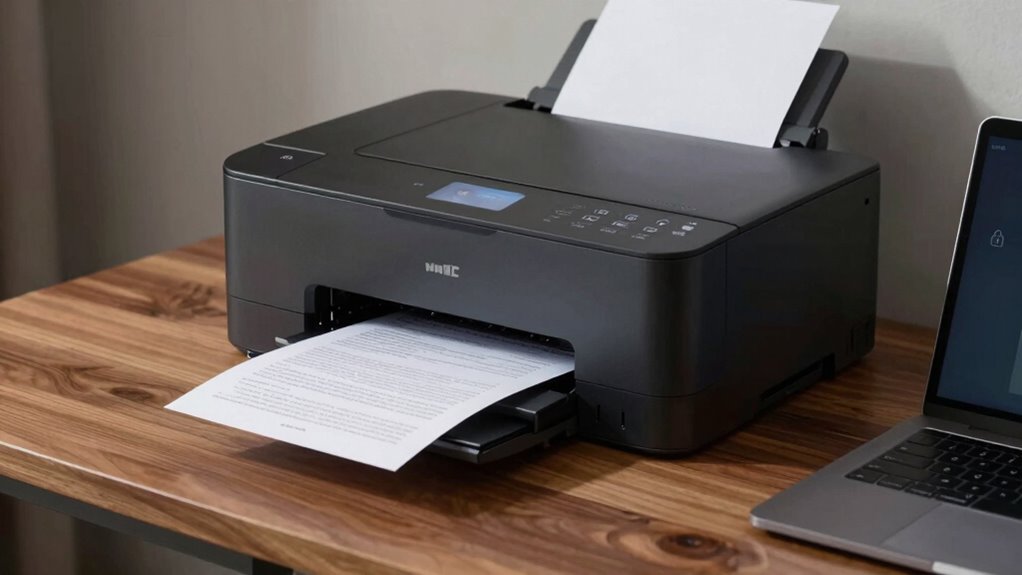
Have you ever considered how much personal information might be stored or accessible through your office or home printer? Many people overlook the fact that printers are more than just devices for producing hard copies—they’re part of your digital ecosystem and can hold sensitive data long after you’ve finished printing. When you send a document to print, it often travels through a network and temporarily resides in the printer’s memory. Without proper security measures, this stored data can be vulnerable to unauthorized access or accidental leaks. That’s why understanding how data encryption and access controls work together to safeguard your information is essential.
Data encryption acts as a digital lock on your printed documents and the data transmitted between your device and the printer. When you initiate a print job, encryption ensures that the information is scrambled during transit, making it unreadable to anyone who intercepts it. Only the intended printer, equipped with the correct decryption key, can unseal the data and produce your document. This process greatly reduces the risk of data breaches, especially in shared or unsecured networks. Modern printers often come with built-in encryption capabilities, but you need to enable and configure them properly to benefit from this security feature. Additionally, printer security features can help prevent unauthorized access and protect your data more effectively.
Access controls are equally important because they regulate who can send print jobs, retrieve printed documents, or change printer settings. With robust access controls in place, you prevent unauthorized users from accessing or tampering with sensitive information. For instance, setting up user authentication—via PINs, passwords, or badge access—ensures that only authorized personnel can release confidential documents. Additionally, some printers support pull-printing, where documents won’t be printed until the user is physically present and authenticates at the device. Implementing security protocols ensures that sensitive information remains protected throughout the entire document workflow. Proper device security protocols are essential to maintaining the integrity of your document workflow.
Implementing strong access controls and data encryption isn’t just about compliance; it’s about protecting your privacy and sensitive information. It’s critical to keep your printer’s firmware updated, configure encryption settings, and establish strict access protocols. Remember, even a seemingly simple device like a printer can become a significant security vulnerability if left unsecured. By actively managing encryption and access controls, you take imperative steps to keep your personal and professional data safe from prying eyes. Protecting your information isn’t complicated once you understand these tools—making your home or office a more secure environment for document handling.
home printer security encryption
As an affiliate, we earn on qualifying purchases.
As an affiliate, we earn on qualifying purchases.
Frequently Asked Questions
How Can I Securely Delete Print Jobs to Protect Sensitive Information?
To securely delete print jobs and protect sensitive information, you should perform data sanitization by clearing your printer’s print queue regularly. Many printers offer a secure delete or clean job feature—use it to guarantee print data isn’t recoverable. Additionally, consider enabling secure print options or using third-party software that performs secure deletion, preventing unauthorized access and maintaining your privacy. Regularly updating your printer’s firmware also enhances data security.
Are Wireless Printers More Vulnerable to Hacking Than Wired Ones?
Wireless printers are like open doors to hackers compared to wired ones. They’re more vulnerable because of wireless vulnerabilities, which can be exploited if network encryption isn’t strong. While wired printers rely on physical connections, reducing remote hacking risks, wireless models depend on secure Wi-Fi and robust encryption. To protect your data, make sure your wireless network uses strong encryption and change default passwords regularly.
What Privacy Risks Exist With Cloud-Connected Printing Services?
Cloud-connected printing services pose privacy risks because your data may be intercepted if not properly protected. You might face issues if data isn’t secured with strong encryption, risking unauthorized access. Additionally, weak user authentication can allow hackers to access your documents or account. To protect yourself, make sure the service uses data encryption and robust user authentication, reducing the chance of data breaches and safeguarding your sensitive information during printing.
How Can I Prevent Unauthorized Access to My Printer’s Stored Data?
You can prevent unauthorized access to your printer’s stored data by enabling printer encryption and implementing strong user authentication. Make sure your printer’s firmware is up to date to support these features. Use unique, complex passwords for user accounts, and restrict access to trusted users only. Regularly review and clear stored data, and consider disabling storage options if they’re not necessary, to keep your documents secure.
Are There Privacy Concerns With Printer Maintenance and Firmware Updates?
Yes, there are privacy concerns with printer maintenance and firmware updates. Printer vulnerabilities can be exploited if firmware security isn’t maintained, giving hackers access to sensitive data or control over your device. To protect yourself, guarantee you regularly update your printer’s firmware from trusted sources, and check for security patches. Keeping firmware current reduces vulnerabilities, helping safeguard your privacy during maintenance and updates.
As an affiliate, we earn on qualifying purchases.
Conclusion
Now that you’re aware of the privacy pitfalls lurking behind your home printer, remember it’s not just a machine—it’s a silent guardian that can also become a silent threat. Think of it as a wolf in sheep’s clothing, hiding vulnerabilities in plain sight. Stay vigilant: secure your documents, update your settings, and keep your digital flock safe. Protecting your privacy isn’t just smart—it’s essential in this connected world.
As an affiliate, we earn on qualifying purchases.
printer firmware security update
As an affiliate, we earn on qualifying purchases.
As an affiliate, we earn on qualifying purchases.
Fall Picks
fall essentials
As an affiliate, we earn on qualifying purchases.