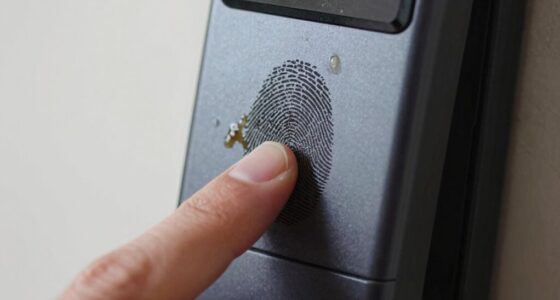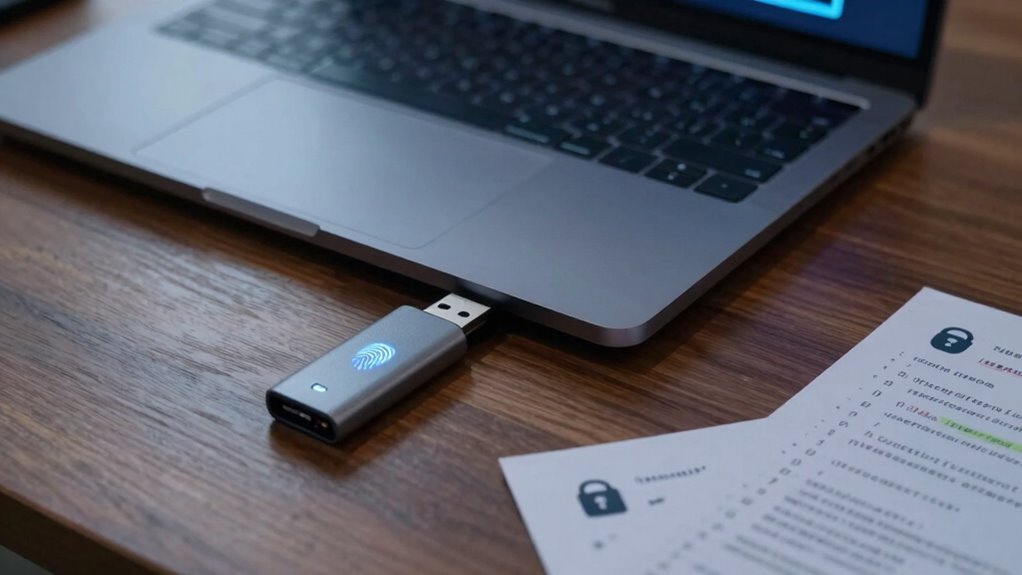

Encrypted drives only make sense if you use them correctly. You need to manage your keys and passwords carefully, as losing them means permanent data loss. Backup regularly and guarantee your encryption is compatible with your system to prevent corruption. Combine encryption with other security measures like strong passwords and multi-factor authentication for better protection. If you want to find out how to avoid common pitfalls and maximize security, keep exploring these essential tips.
Key Takeaways
- Proper key management and backups are essential to prevent permanent data loss on encrypted drives.
- Encryption should be combined with strong passwords, multi-factor authentication, and updated security measures.
- Ensure compatibility and correct activation to avoid data corruption or incomplete encryption processes.
- Physical security and malware protection remain critical, as encryption does not defend against all threats.
- Understanding encryption limitations and implementing layered security strategies maximize data protection benefits.
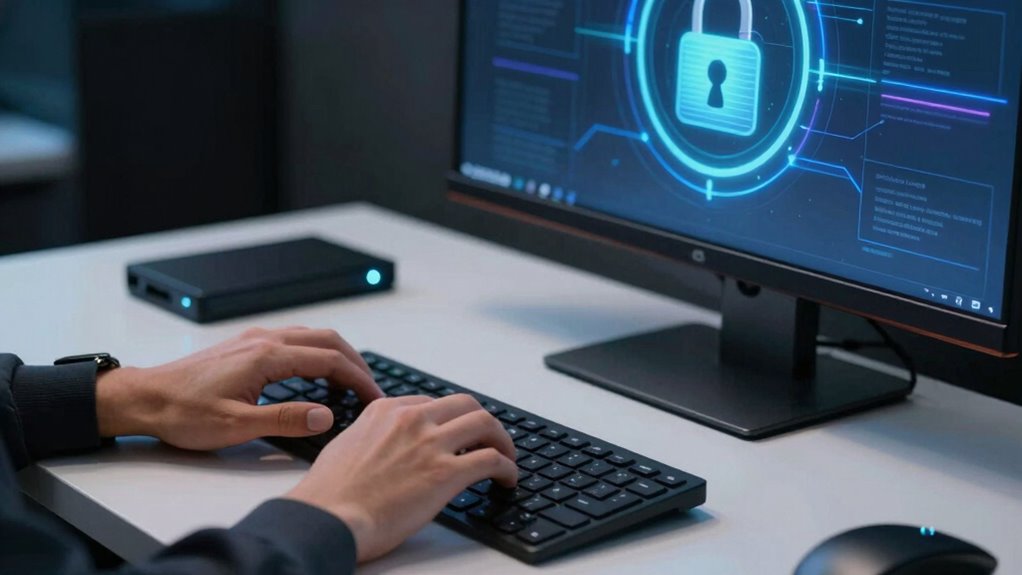
Encryption can be a powerful tool to protect your data, but only if you understand how to use it correctly. When you encrypt your drives, you’re adding a layer of security that makes it difficult for unauthorized users to access sensitive information. However, this security isn’t foolproof, and there are encryption pitfalls you need to be aware of. One major concern is data recovery. If you lose access to your encryption keys or passwords, recovering your data can become a nightmare. Unlike unencrypted drives, where you can simply plug in and access files, encrypted drives require you to have the right credentials. Losing them means losing access to everything stored inside. That’s why it’s essential to store your keys securely and consider backup options to prevent permanent data loss.
Losing encryption keys means losing access—store them securely and back up to prevent permanent data loss.
Another common encryption pitfall is assuming that encryption alone makes your data safe. While encryption greatly reduces the risk of data breaches, it doesn’t eliminate all vulnerabilities. For example, if your device gets infected with malware or if someone gains physical access to your device while it’s unlocked, encryption won’t stop them from retrieving your data. It’s vital to combine encryption with other security measures, like strong passwords, multi-factor authentication, and regular software updates. These layers of security help protect your drive from different attack vectors. Additionally, understanding encryption limitations is crucial for avoiding over-reliance on a single security measure. Recognizing the potential vulnerabilities of encryption can help you develop a more comprehensive security strategy.
You also need to be cautious about how and when you enable encryption. If you activate it without understanding the process, you might end up with corrupted files or incomplete encryption. Some encryption tools might not be compatible with certain operating systems or hardware configurations, leading to performance issues or data loss. Before encrypting, you should back up your entire drive. This step guarantees that, in case something goes wrong during the encryption process, you won’t lose valuable information. Also, being aware of encryption vulnerabilities can help you better prepare for potential security challenges. Remember, encryption isn’t just about locking your data; it’s about managing it wisely and knowing how to recover it if needed.
Ultimately, encrypted drives make a lot of sense when used properly. They help safeguard your sensitive data against theft and unauthorized access. But, to truly benefit from encryption, you need to understand its limitations and pitfalls. Keep your keys safe, back up your data regularly, and don’t rely solely on encryption for security. Developing a comprehensive security strategy ensures your data remains protected and accessible when you need it most. Proper use of encryption transforms it from a simple security feature into a reliable shield for your digital life.

Apricorn 1TB Aegis Padlock USB 3.0 256-bit AES XTS Hardware Encrypted Portable External Hard Drive (A25-3PL256-1000)
- Encryption Algorithm: Military Grade FIPS PUB 197 Validated
- Data Transfer Speed: Up to 10X Faster USB 3.0
- Software Requirement: No Software Needed, No Admin Rights
As an affiliate, we earn on qualifying purchases.
As an affiliate, we earn on qualifying purchases.
Frequently Asked Questions
How Often Should I Update My Encryption Software?
You should update your encryption software regularly—ideally, as soon as updates become available. Frequent updates guarantee your password management remains secure against new threats. Also, keep your backup strategies in mind, since encryption is only effective if your data is backed up properly. Regular updates patch vulnerabilities, so stay proactive and update your encryption software promptly to protect your data effectively.
Can Encrypted Drives Be Recovered After Hardware Failure?
Encrypted drives can be recovered after hardware failure, but it depends on your data recovery efforts. If the drive’s hardware is damaged, professional data recovery services might retrieve your encrypted data, but success isn’t guaranteed. Always keep backups of your encryption keys and recovery files in a secure location. Regularly updating your encryption software and maintaining hardware health can prevent many issues, making data recovery easier if hardware failure occurs.
What Are the Common Mistakes When Setting up Encryption?
When setting up encryption, you often make mistakes like poor encryption key management or neglecting strong user authentication. Failing to securely store your encryption keys can lock you out or make recovery impossible. Similarly, weak user authentication methods leave your data vulnerable. Always guarantee you manage your encryption keys carefully and implement robust user authentication to keep your encrypted drives safe and accessible only to authorized users.
Does Encryption Slow Down My Device Significantly?
Encryption can slightly slow down your device, but modern encryption algorithms and hardware acceleration minimize this impact. If your device has dedicated hardware for encryption, you’ll notice little to no slowdown during everyday tasks. However, older hardware or complex encryption algorithms might cause some lag. Overall, the security benefits outweigh the minor performance hit, especially if your system leverages hardware acceleration to optimize encryption processes.
Are There Legal Issues With Using Encryption in Certain Countries?
Using encryption can feel like walking a tightrope, and in some countries, it’s more like crossing a guarded border. Yes, there are legal issues—government restrictions and legal compliance can vary widely. Some nations require decryption keys or restrict strong encryption altogether. Before encrypting your drives, research local laws to avoid legal trouble, as non-compliance might lead to fines or even imprisonment. Stay informed to keep your data safe and legal.

OnlyKey FIDO2 / U2F Security Key and Hardware Password Manager | Universal Two Factor Authentication | Portable Professional Grade Encryption | PGP/SSH/Yubikey OTP | Windows/Linux/Mac OS/Android
- All-in-One Security Solution: Password manager and 2FA key in one
- Universal Website Compatibility: Supports Twitter, Facebook, GitHub, Google
- Multiple Authentication Methods: FIDO2, U2F, OTP, Challenge-response
As an affiliate, we earn on qualifying purchases.
As an affiliate, we earn on qualifying purchases.
Conclusion
Remember, encryption is your digital armor—powerful yet only effective if wielded correctly. Don’t let complacency be your Achilles’ heel; stay vigilant, choose strong passwords, and keep your keys secure. Think of encryption as a lock on your most valued possessions: it only works if you keep the key safe. So, use it wisely, or risk opening the door to those who seek to undermine your privacy. The choice is yours—lock it up or leave it vulnerable.

Yubico – YubiKey 5C NFC – Multi-Factor authentication (MFA) Security Key and passkey, Connect via USB-C or NFC, FIDO Certified – Protect Your Online Accounts
- Security Type: Multi-Factor Authentication (MFA)
- Compatibility: Works with 1000+ accounts
- Connection Options: USB-C and NFC
As an affiliate, we earn on qualifying purchases.
As an affiliate, we earn on qualifying purchases.
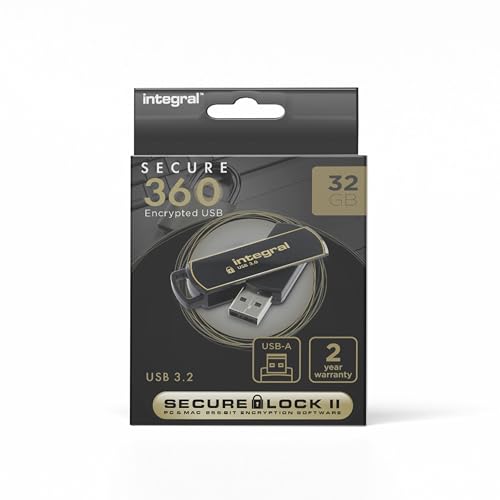
Integral 32GB Secure 360 Encrypted USB3.0 Flash Drive (256-bit AES Encryption)
- Dual Partition for File Separation: Separate regular and encrypted files
- 256-bit AES Encryption: Secure sensitive data on the go
- Automatic Data Erasure: Deletes data after 10 failed attempts
As an affiliate, we earn on qualifying purchases.
As an affiliate, we earn on qualifying purchases.